Lessons
A lesson is a complete, ready-to-run session: a tested sequence of modules with slides, timings, prep notes, and a materials list. Each has been run in a real room, with groups ranging from primary-school classes to senior executives—pick the one that fits your group and you can run it as-is.
Every lesson ships its slides with full presenter notes—what to say, what to watch for, how long each part takes—so you don't need to have seen it delivered to deliver it yourself.
My First Language Model
The classic LLMs Unplugged workshop. Train a language model on grid paper, then roll dice to generate new text---and see why ChatGPT works the same way. Comes in lengths from 60 minutes to two hours.
high school to adults · 60 minutes to 2 hours · grid
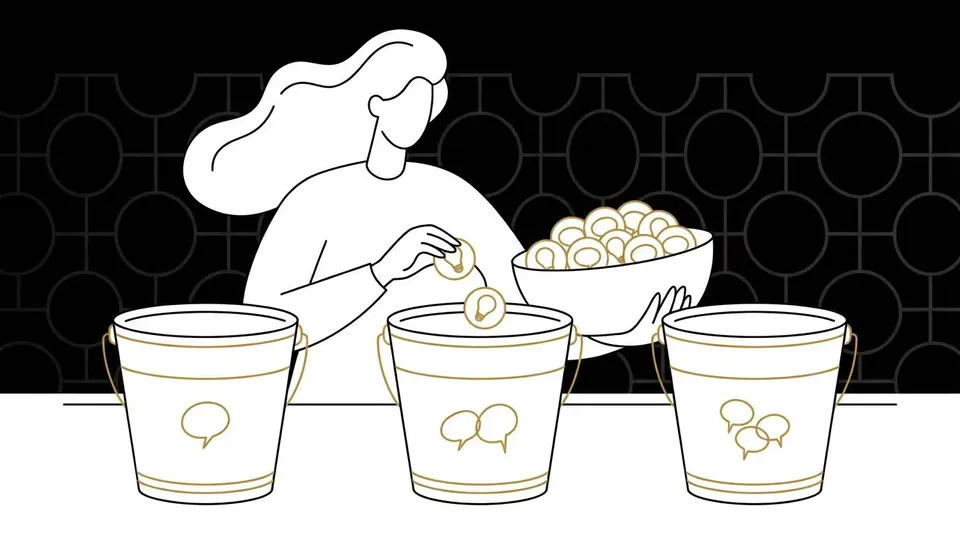
How AI writes stories
A 90-minute primary-school lesson where students discover what AI is, then build their own paper language models and use them to generate stories.
years 5-6 (ages 10-12) · 90 minutes · cutouts

Build, break, extend
An extended cutouts workshop. Build paper language models from scratch, combine them, break them (sycophancy), extend them with tools, and finish with a poetry slam.
high school to adults · 3 hours · cutouts
How AI writes stories with a cup of counters
A 45- or 90-minute school lesson (ages 10-16) where students generate stories from a finished paper language model, then train their own from a new text and pool the class's models into one story.
ages 10-16 (years 5-10) · 45 or 90 minutes · ledger
Under the hood
A follow-on for groups who've built the paper model and want to know what a real one does differently. Complete a pattern the model never trained on, and measure how close two words are---all by hand.
years 10 and up, computing electives, PD cohorts · 2 hours · grid
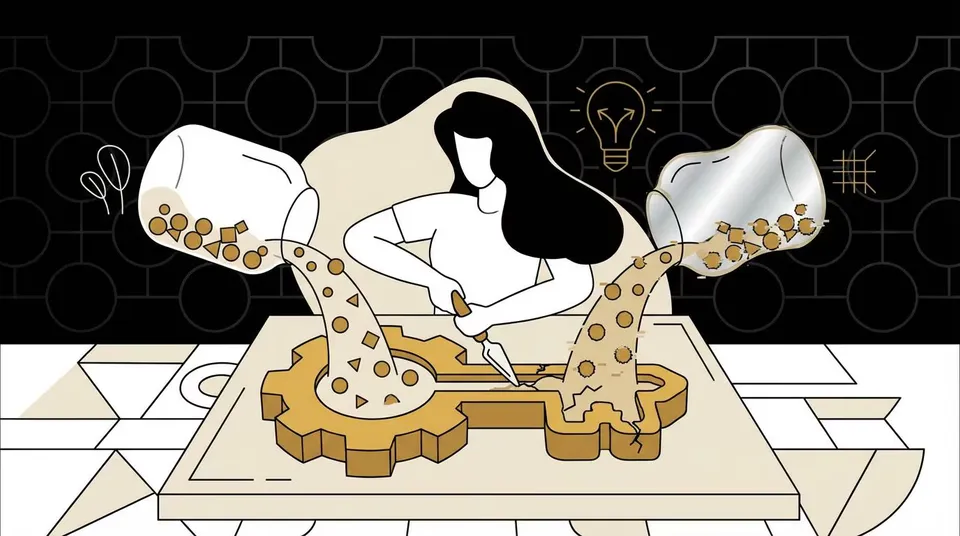
Shaping a model
A discussion-heavy follow-on. Change a model's training data, change what it gets rewarded for, and feed it its own output---three ways to give a model a personality, all run by hand.
years 9 and up; media literacy, ethics, HASS and policy groups · 2 hours to 2.5 hours · grid
Not sure where to start? My First Language Model is the classic starting point, and comes in lengths from 60 minutes to two hours. If you'd rather assemble your own session from the parts, browse the modules. Giving a talk rather than running a workshop? The talks hand the whole audience a model on search sheets and run it from the stage.